












-

Collect information easily from any pages
Set up your form to be triggered from anywhere on your website with out 5 different form layouts.
-

Convert visitors to loyal customers
Turn one-time visitors into buyers, then to repeated customers by transforming them to leads.
-

Effortlessly sync your leads to email tools
Sync and manage your leads to our integrated email marketing partners within a minute.
-

Advanced settings are available
Customize your forms with advanced settings to align the best with your strategy.


Five triggering form layouts to maximize conversions
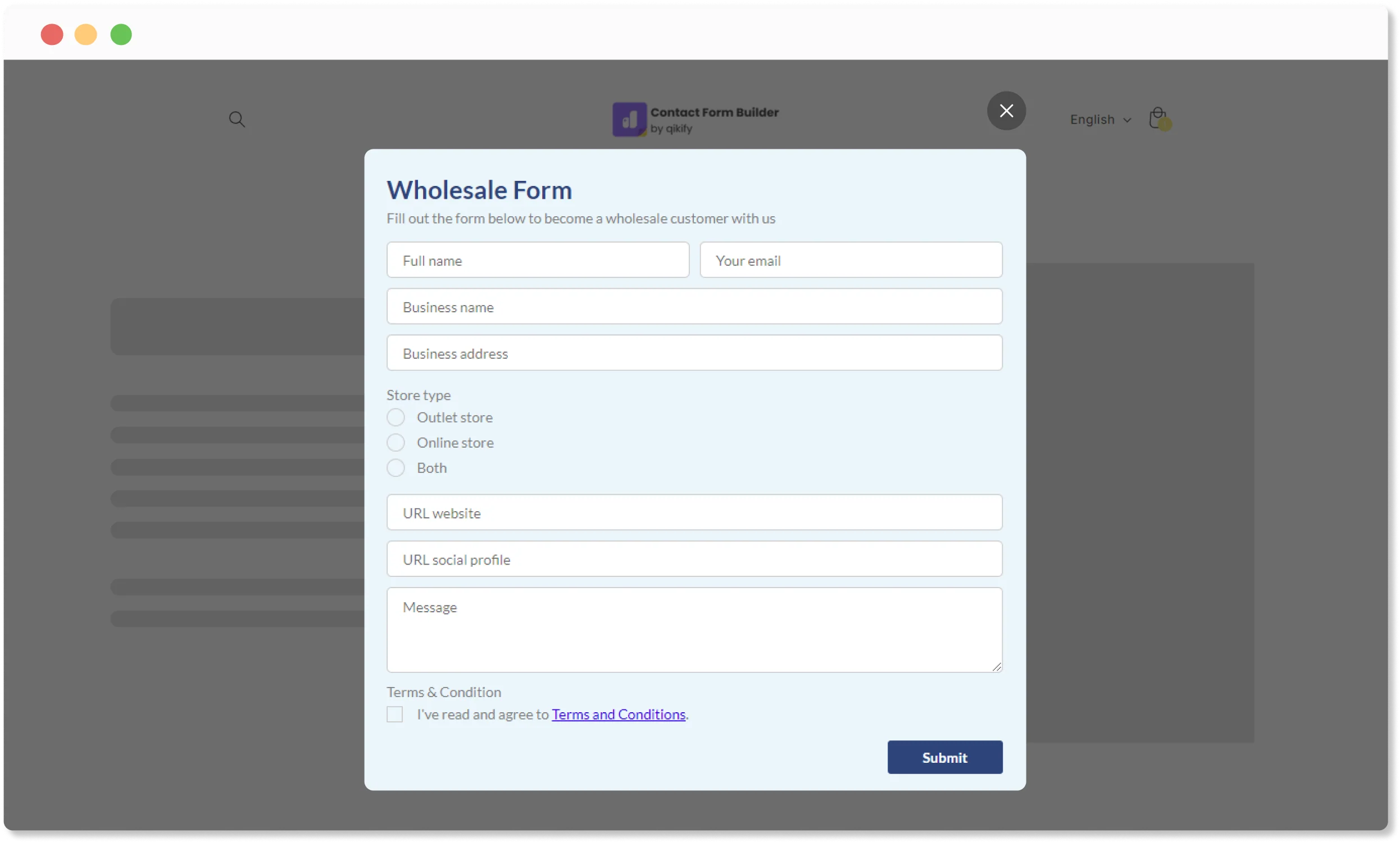
Pop-up form
- Auto open form by time delay
- Trigger from any pages of website
- Can combine with sticky tab or sticky button trigger setting
- Suitable to collect leads for B2B, promotions, newsletter, etc.
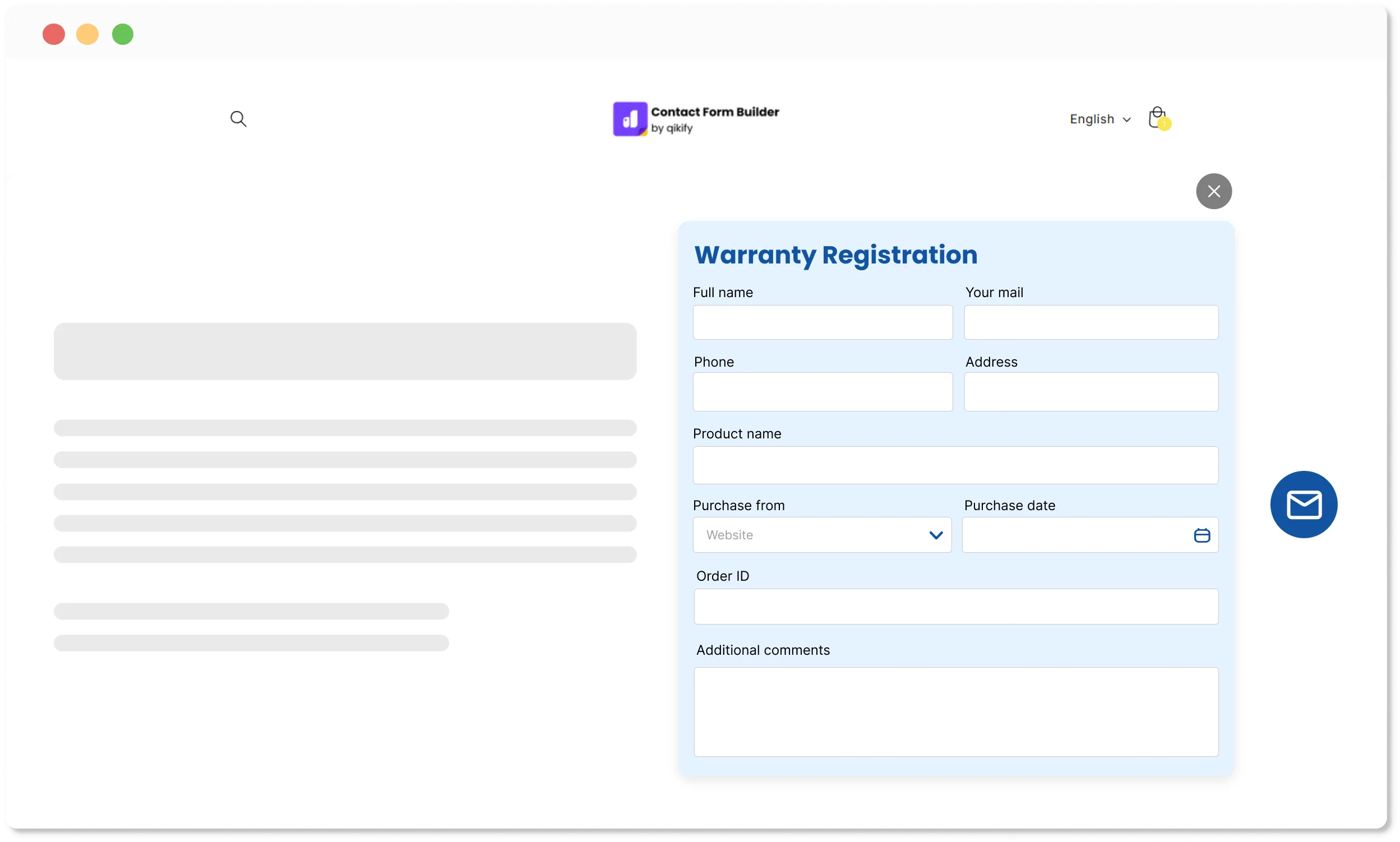
Sticky floating button (bubble form)
- Auto open form by time delay
- Trigger from any pages of website
- Suitable to collect leads for instant contact form, or newsletter subscription, etc.
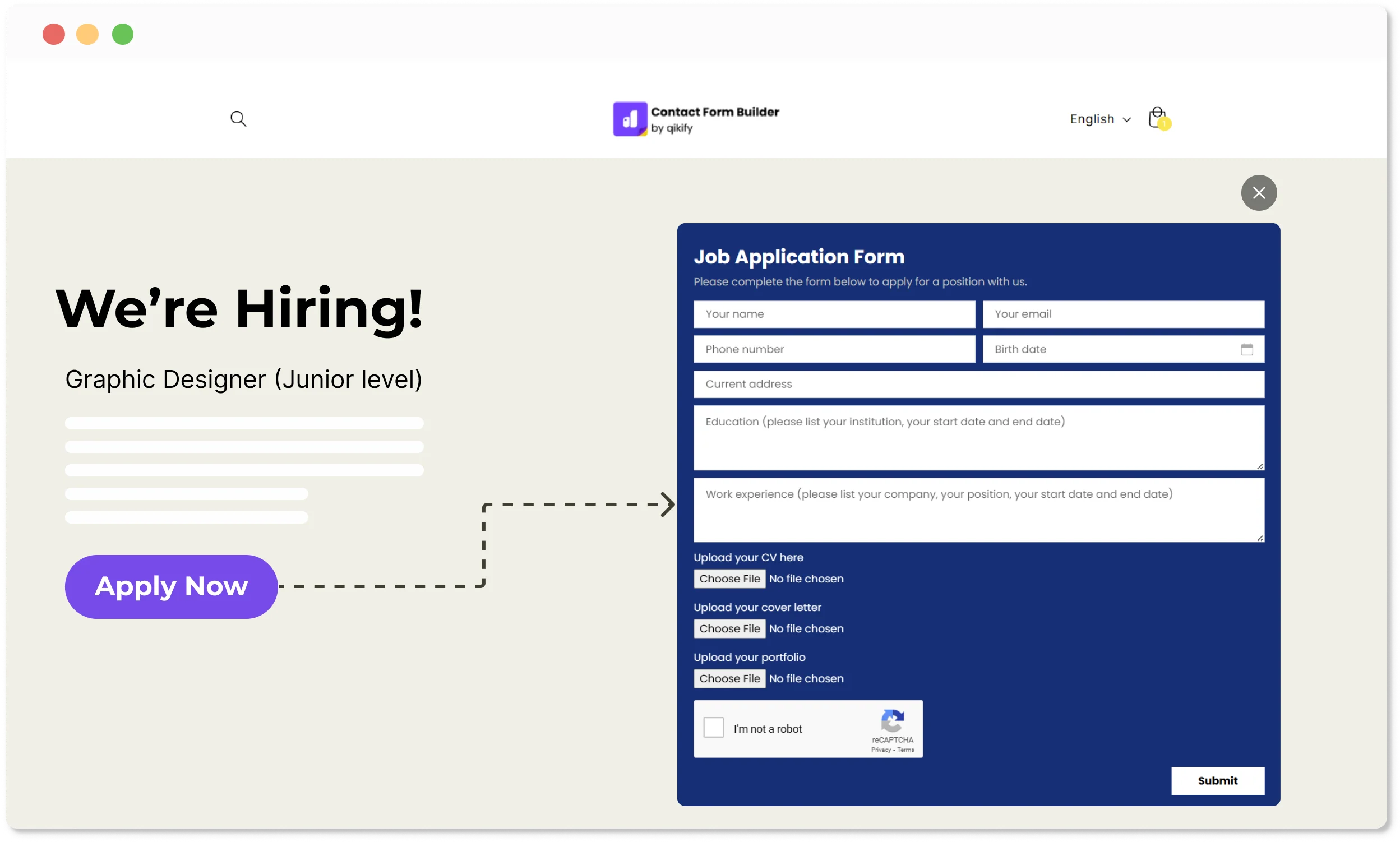
Embed Qikify button
- Qikify button can be embed to any pages on storefront
- Add button on any pages of website
- Suitable to collect leads or data for unsupported buttons by theme
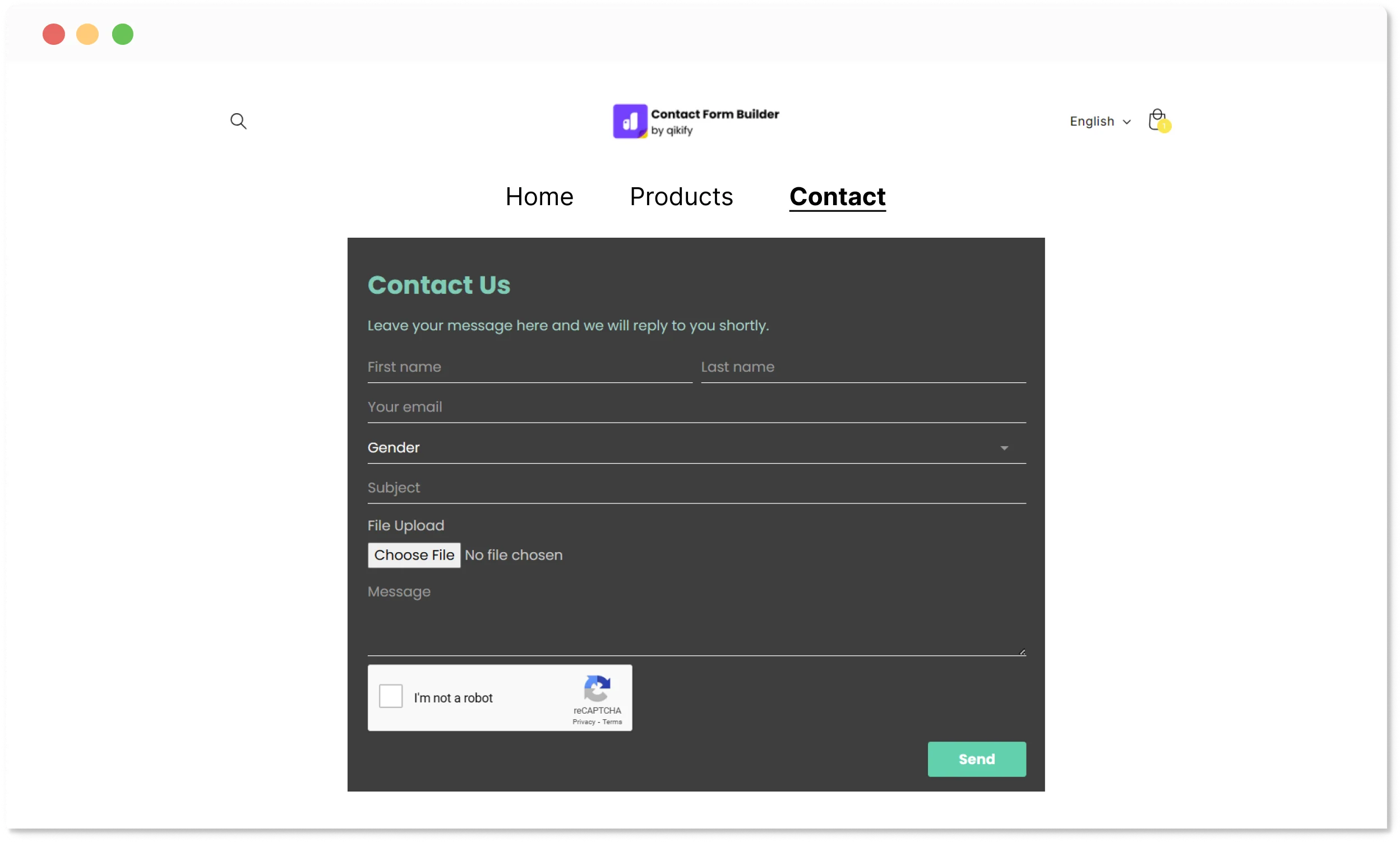
Embed form on page
- Embed a form to a page, or a customized page, on storefront (e.g. Contact us page)
- Suitable to collect leads or data on specific pages (e.g. Quote requirement form)
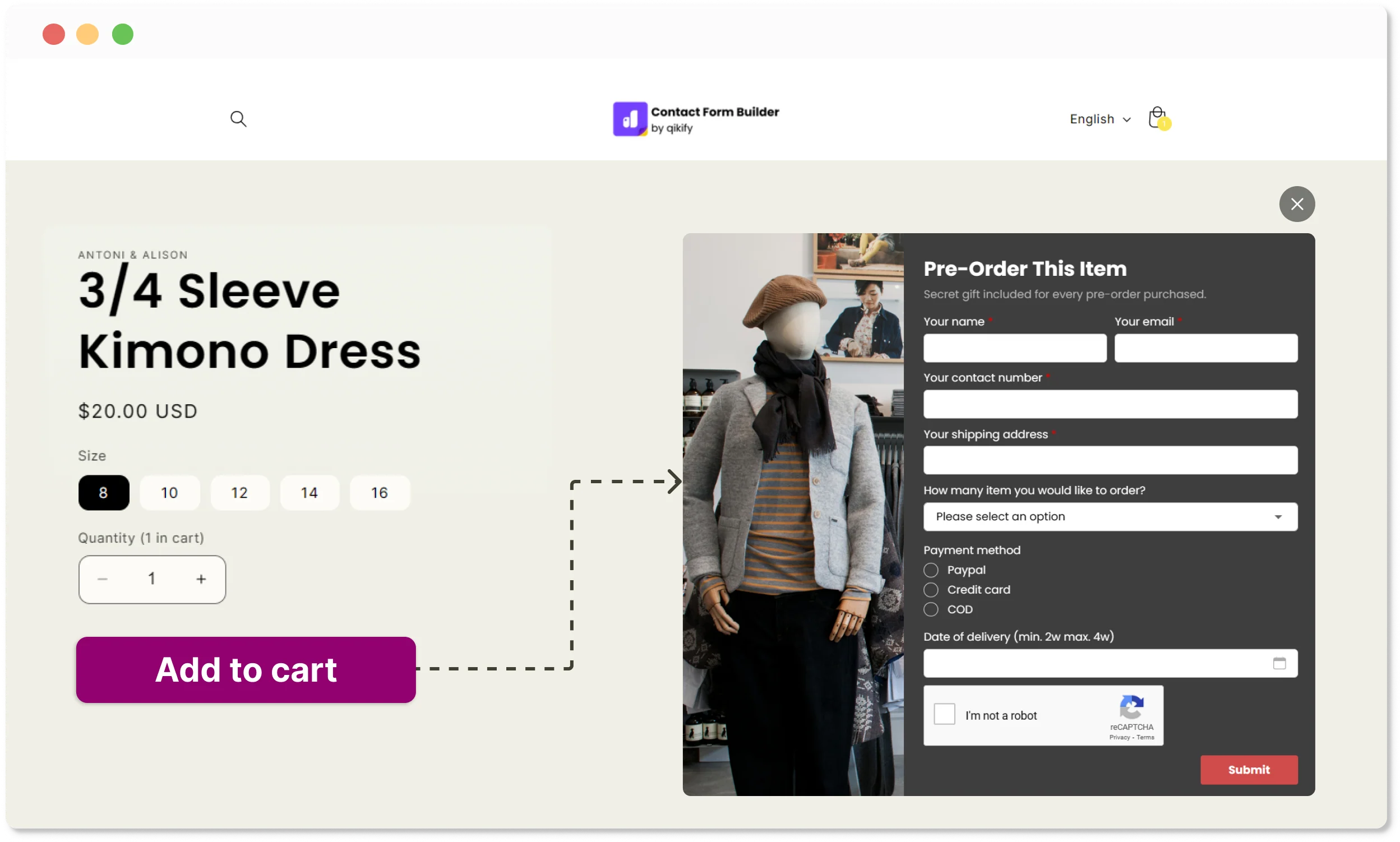
Theme's button trigger
- Trigger form by attaching form to theme's button (e.g. Add to cart, pre-order buttons, etc.)
- Attach form to any theme's buttons
- Suitable for sold-out products (pre-order form) or B2B promotions
Works with your favorite email marketing tools

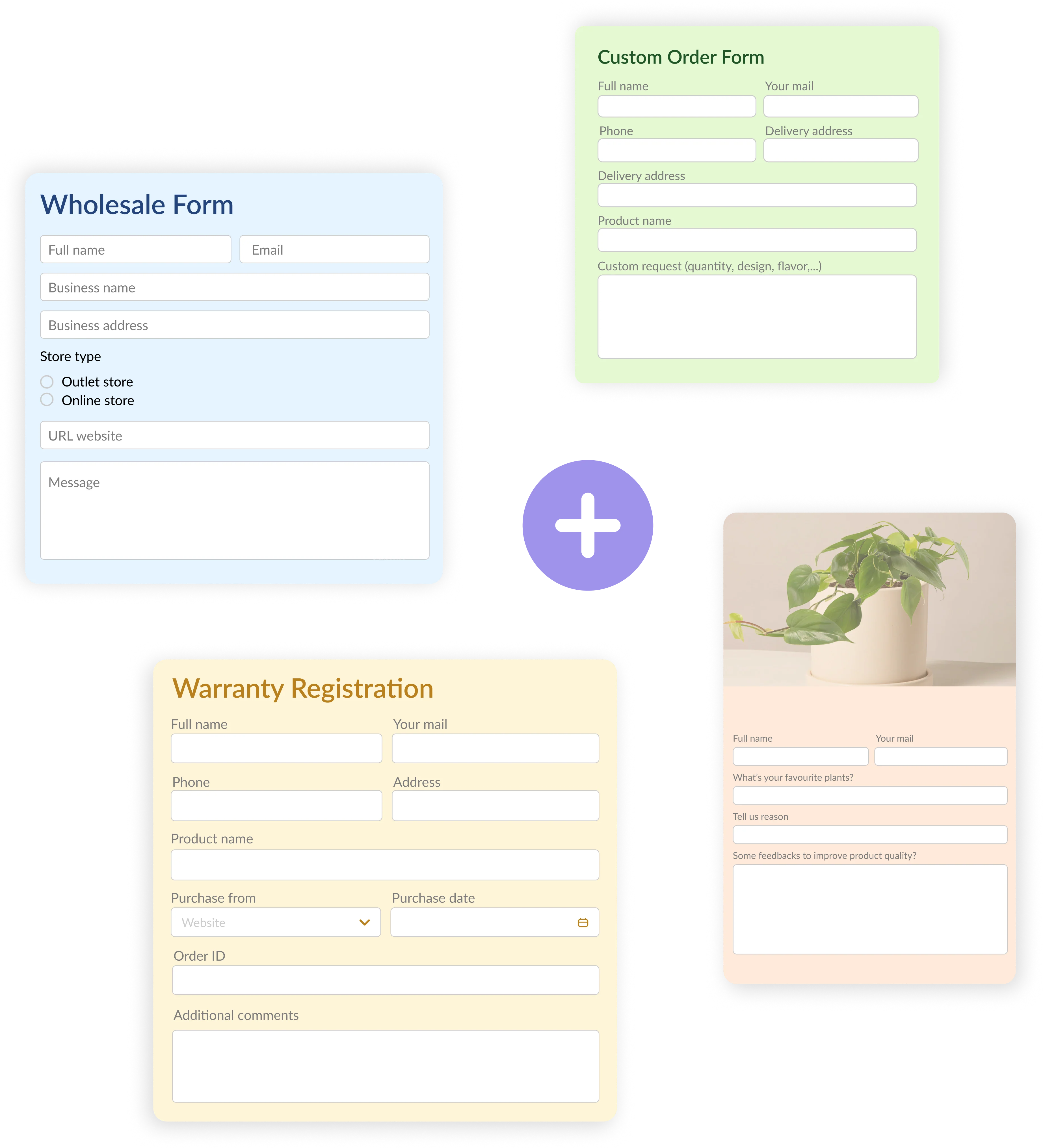
Save time with pre-designed templates

Really happy with this app!
“Really happy with this app and the ability to be able to produce a form easy as, on the free plan and that is all I need. Customer service is responsive and helpful where needed too.”

This is the best out there.
“I have downloaded three so far, and this one is the easiest and most intuitive for simple form that no one is willing to pay a subscription for.”

Definitely a 5 star review.
“I was looking for a pop up form but I realised it needed some customisation. Other companies were not really interested in helping. The customer support team were very helpful, accomodating and to my surprise, were able to supply exactly what I needed.”

100% recommended.
“Great app with excellent service. The support team is responsive and quick to fix things. Very easy to use as well.”
Frequently asked questions
1. Shopify already has a contact form, why do I need Qikify Contact Form Builder?
Shopify's default contact form only collects a name, email, and message. If you need to collect wholesale inquiries, custom order details, survey responses, file uploads, or pre-order requests — with conditional logic, spam protection, and automatic lead syncing to your email tools — the default form won't cut it. This app lets you build the right form for each purpose, without touching any code.
2. Where can I display Qikify forms on my Shopify store?
Anywhere. You can embed a form directly on a page, display it as a popup with a time delay, add a floating bubble button that follows shoppers as they browse, attach it to any theme button like "Add to Cart" or "Pre-order", or trigger it from a custom embedded button. Five different layout options so the form fits naturally wherever your customers are.
3. What types of forms can I create with Qikify Contact Form Builder?
Contact and customer support forms, wholesale inquiry forms, custom order forms, surveys, newsletter signups, pre-order forms, quote request forms, and more. Ready-made templates for the most common scenarios mean you don't have to start from scratch each time.
(For more complex demands for B2B registration form & application, refer to our app Duos B2B Self-service)
4. Can I sync Qikify form submissions to my email marketing tools?
Yes. The app integrates with Mailchimp, Klaviyo, and Shopify's own customer list, so leads collected through your forms flow directly into your marketing workflows without manual exporting.
5. How do I manage and track form submissions in Qikify Contact Form Builder?
All submissions are stored and managed inside the app, where you can review, filter, and export them. You can also set up email notifications so submissions land in your inbox the moment a customer fills out a form.
6. Is there a free plan available for Qikify Contact Form Builder?
Yes, and no credit card required. The free plan lets you create forms and collect submissions right away. Paid plans unlock advanced features like conditional logic, file uploads, multiple recipient emails, autoresponders, and email marketing integrations.
7. Will I receive technical support for Qikify Contact Form Builder?
Yes, on all plans. Live chat support is available and the team is known for being hands-on, helping with setup, customization, and integration issues, not just pointing you to a help doc.
Can't find the answer you're looking for? Our dedicated support team is ready to help you with any issues you might encounter. Email: contact@qikify.com