










A top-notch app to create the seamless experience and increase conversions
-

Mobile optimized
Enhance customer experience with the responsive menus.
-
Easy to use
Clean and intuitive interface. It takes only a minute to set up.
-

No code
Design your menu effortlessly without writing a single line of code.
-

Unlimited items
Fully control and customize your menu with unlimited items.


One app, multi-level menu types
Create the menu type that your business needs with 30+ pre-built templates: mega menu, tabs menu, tree menu, and more.
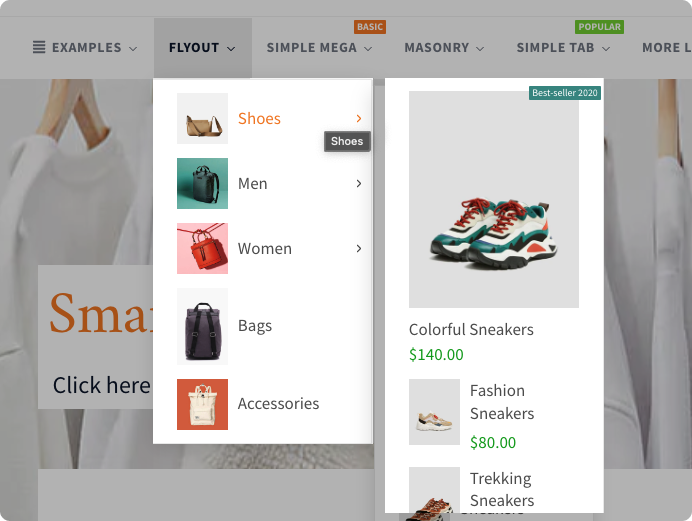
Flyout menu
Enhance your online store's navigation with a sleek flyout menu that expands from a compact button, providing easy access to additional product categories, promotions, or customer support options.
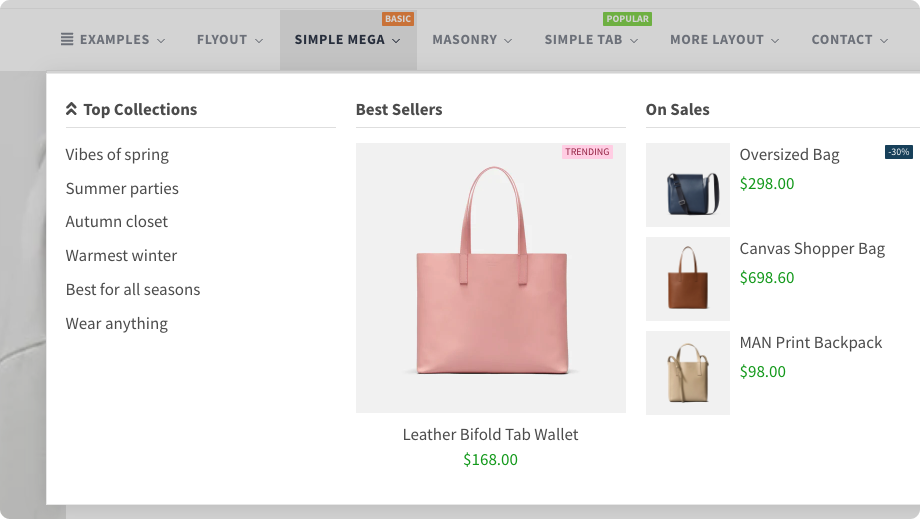
Simple mega
A simple mega menu is a type of navigation menu that expands into a large, grid-like layout when hovered over. This generates a more comprehensive display of subcategories, products, or other content.
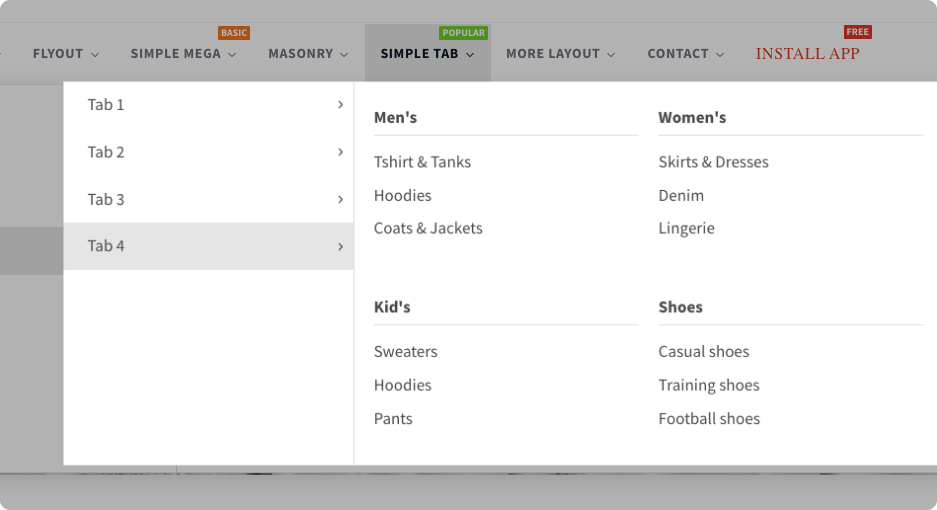
Simple tab
Create a more visually appealing and organized online store with a simple tab menu, allowing you to easily switch between different content categories or product types.
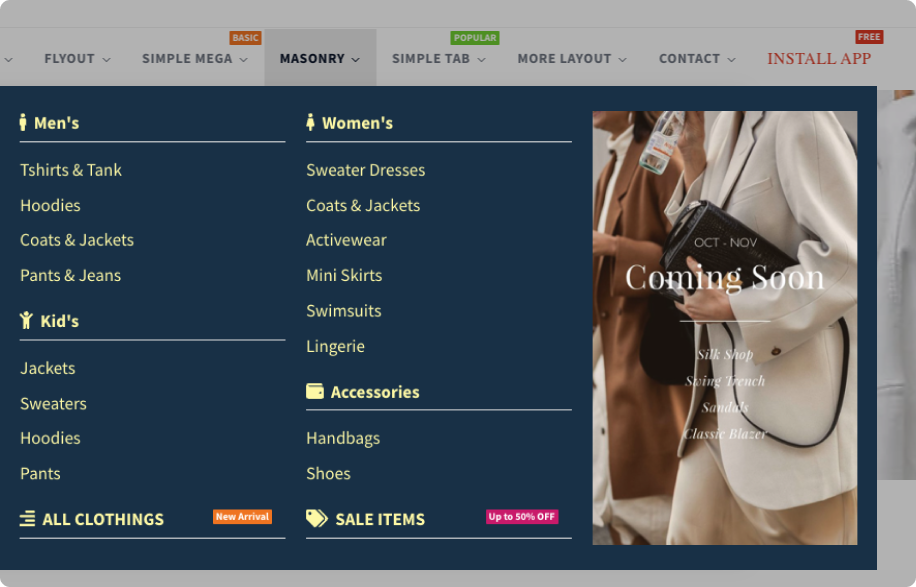
Masonry
Showcase your products in a more visually appealing way with a masonry menu that provides a visually striking and attention-grabbing presentation.
Flexible layouts
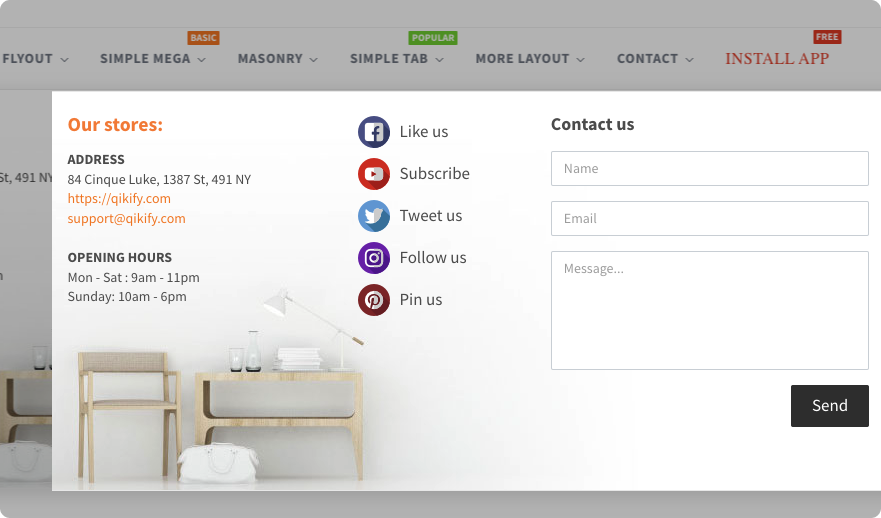
Add more flexible and dynamic content to the menu such as store information, social channels, contact form or a location guideline.
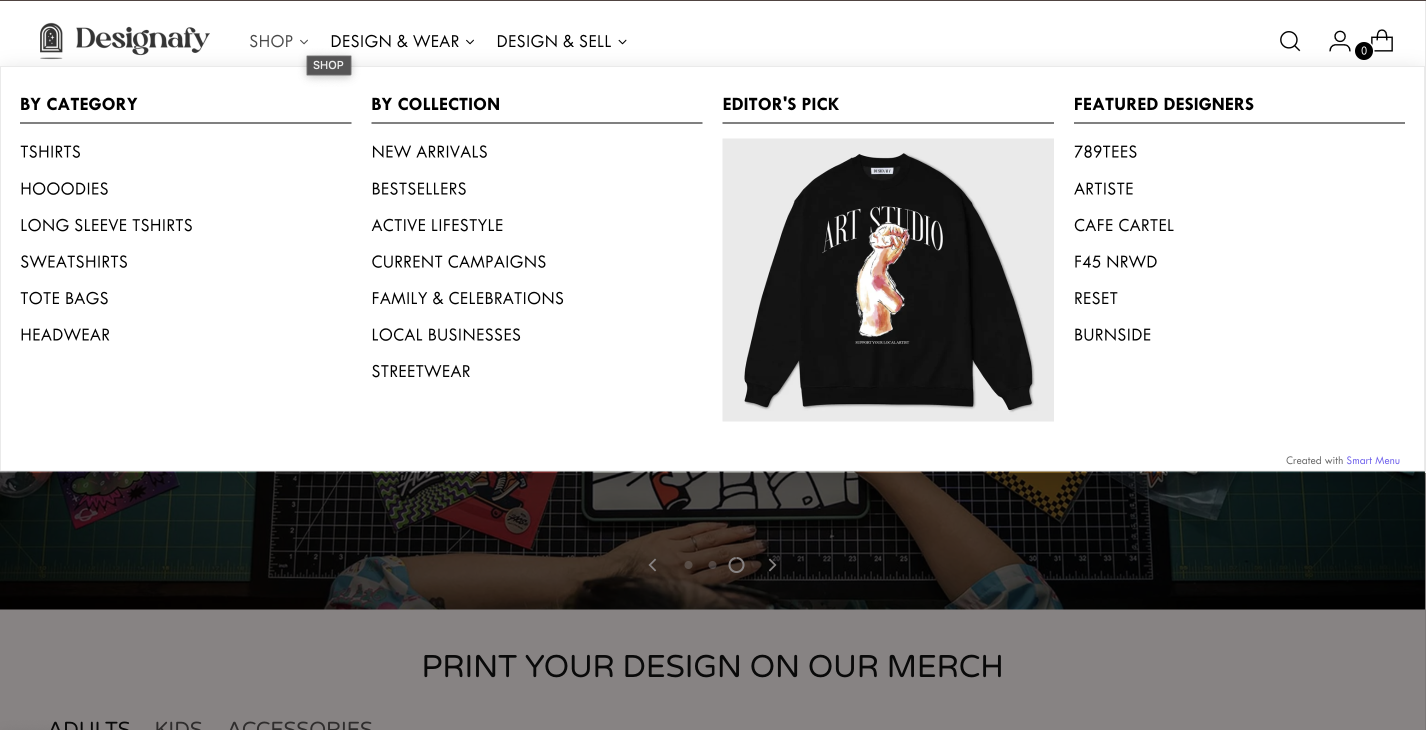

Designafy
“This is the best mega menu app in Shopify. The customer service is brilliant. I encountered some issues while adding the app, and they assisted me thoroughly. I highly recommend this app.”
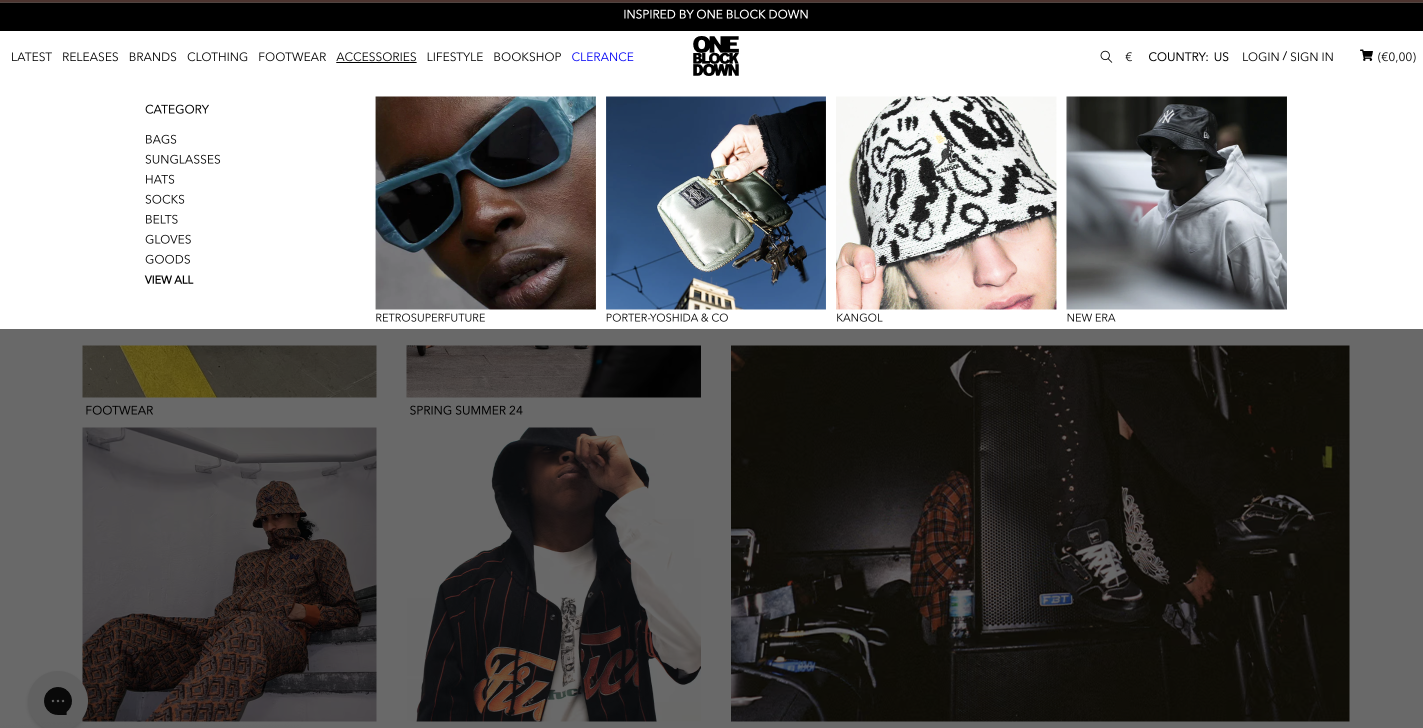

OneBlockDown
“Very user friendly application, for any problem the support is fast and efficient!”
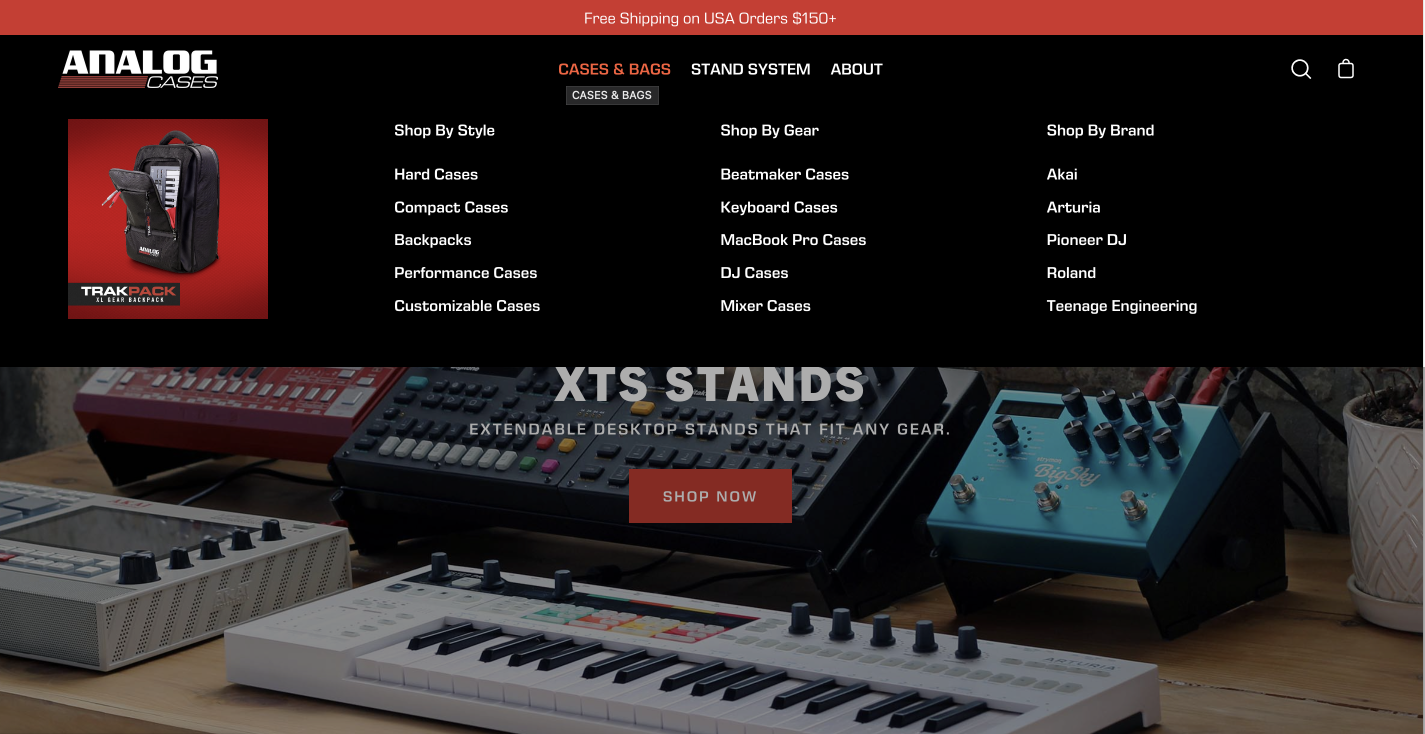

Analogcase
“This app is awesome! I was so excited to find an app that could do exactly what I wanted for only $4 a month. And the interface is very intuitive to get up and running with. Best of all, their support team was extremely fast, responsive and helpful to get a few things tweaked that needed to be adjusted for my theme. Thanks, guys!”
Frequently asked questions
1. Does Qikify Mega Menu work with my Shopify theme?
Qikify Mega Menu works reliably with most Shopify 2.0 themes. You can refer to this integration list to see how Smart Menu works with different themes. If anything looks off, contact our live chat support.
2. Can I show products, images, and promotions directly inside the menu?
Yes. Unlike Shopify's default header menu, Qikify lets you add products, collections, images, and banners directly inside your navigation.
3. What types of menus can I create with Qikify Mega Menu?
Qikify supports mega menus, flyout menus, tab menus, and tree menus, and masonry grid layouts — all in one Shopify menu app. Most menu types are free, with advanced options starting at $9.99/month.
4. Does Qikify Mega Menu work well on mobile?
Yes. Every menu you build is fully responsive for both desktop and mobile. However, the mobile preview may appear differently due to your theme's menu style. Contact our support for customizations.
5. Can I create different menus for different markets or themes with Qikify Mega Menu?
Yes. You can build multiple menus and assign each one to a specific theme or market. Multiple menus and other advanced features are available on the paid plans.
6. What kind of support can I expect with Qikify Mega Menu?
Qikify Mega Menu has a support team, with the quality being the most consistent praise. The team is available via live chat and known for fast, hands-on help with theme-specific setups.
7. Does Qikify Mega Menu have a free plan or free trial?
Yes. The app has a free plan covering basic menu items. Multiple menus and advanced features like translation support require a paid plan, which comes with a 7-day free trial. For more information, visit our smart menu pricing.
Can't find the answer you're looking for? Our dedicated support team is ready to help you with any issues you might encounter. Email: contact@qikify.com