












-

どのページからでも簡単に情報を収集
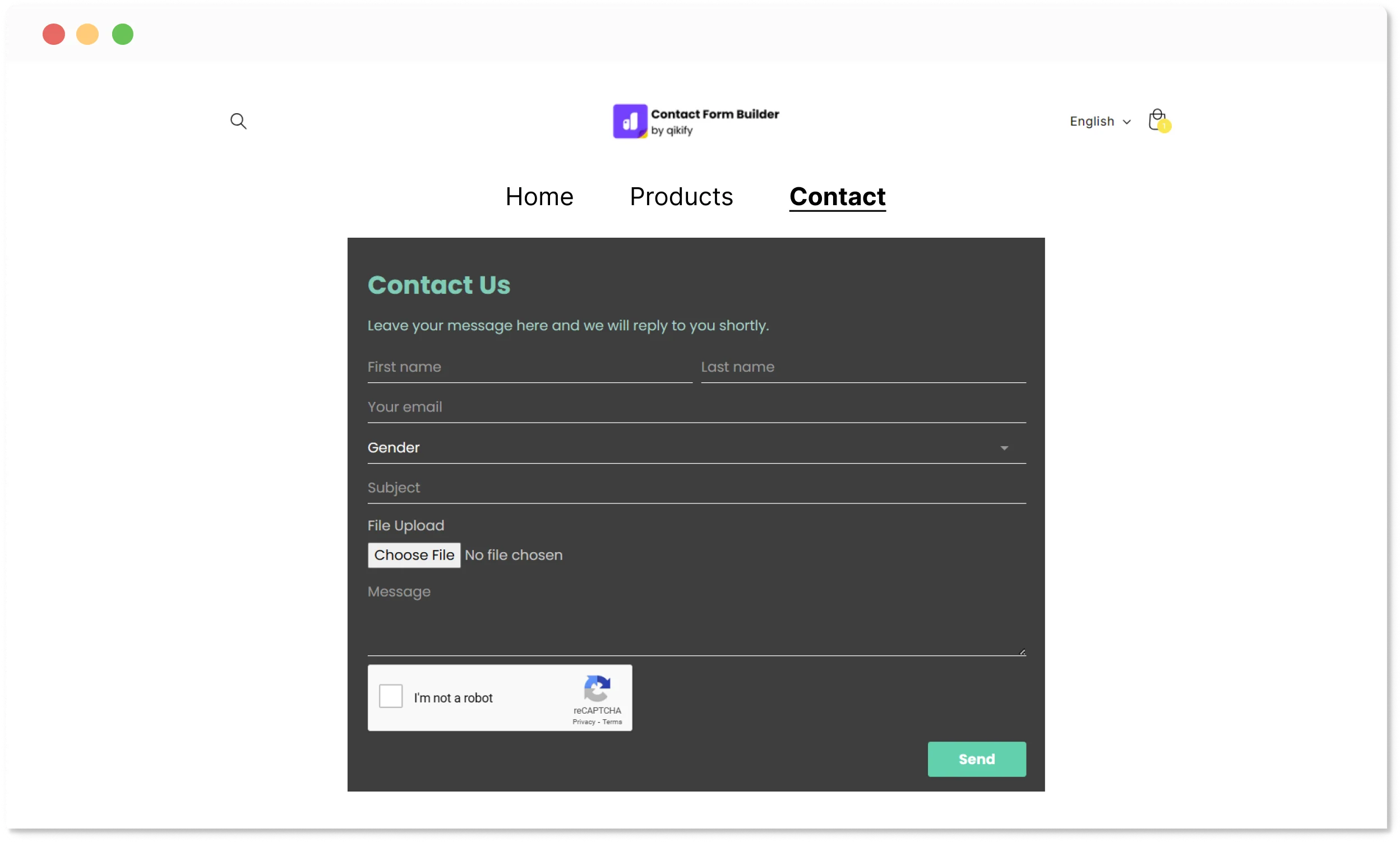
5種類のフォームレイアウトで、ウェブサイトのどこからでもフォームを表示できるように設定できます。
-

訪問者をロイヤルカスタマーへ
一度きりの訪問者をリードに変え、購入者、そしてリピーターへと育てます。
-

リードをメールツールへ簡単に同期
連携済みのメールマーケティングパートナーへ、リードを1分で同期・管理できます。
-

高度な設定も利用可能
高度な設定でフォームをカスタマイズし、戦略に最適な形に整えられます。


コンバージョンを最大化する5つの表示フォームレイアウト
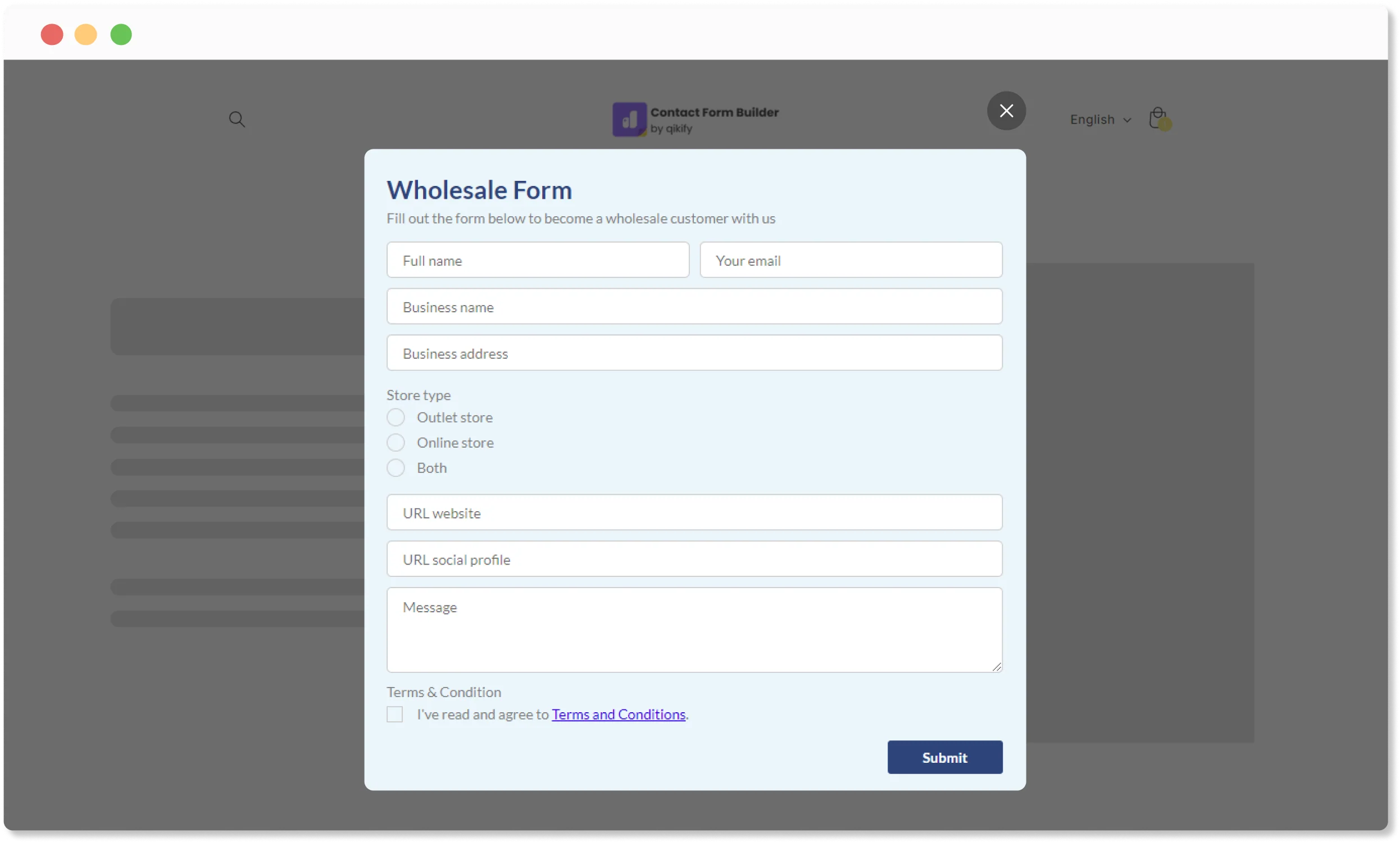
ポップアップフォーム
- 時間指定でフォームを自動表示
- ウェブサイトのどのページからでも表示
- 固定タブや固定ボタンの表示設定と組み合わせ可能
- B2B、プロモーション、ニュースレターなどのリード獲得に最適
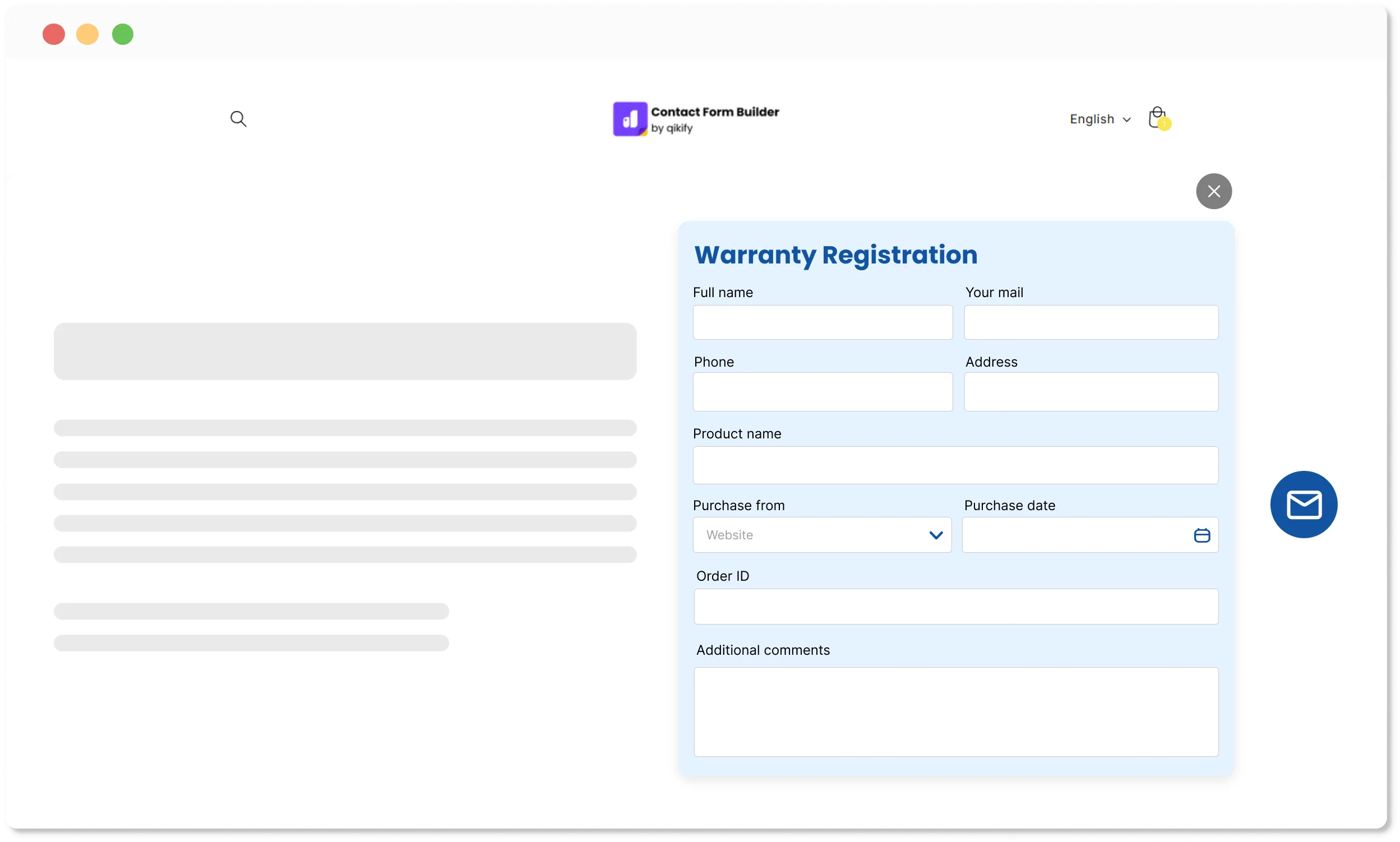
Qikifyボタンを埋め込み
- Qikifyボタンをストアフロントのどのページにも埋め込み可能
- ウェブサイトのどのページにもボタンを追加
- テーマが対応していないボタンでのリード・データ収集に最適
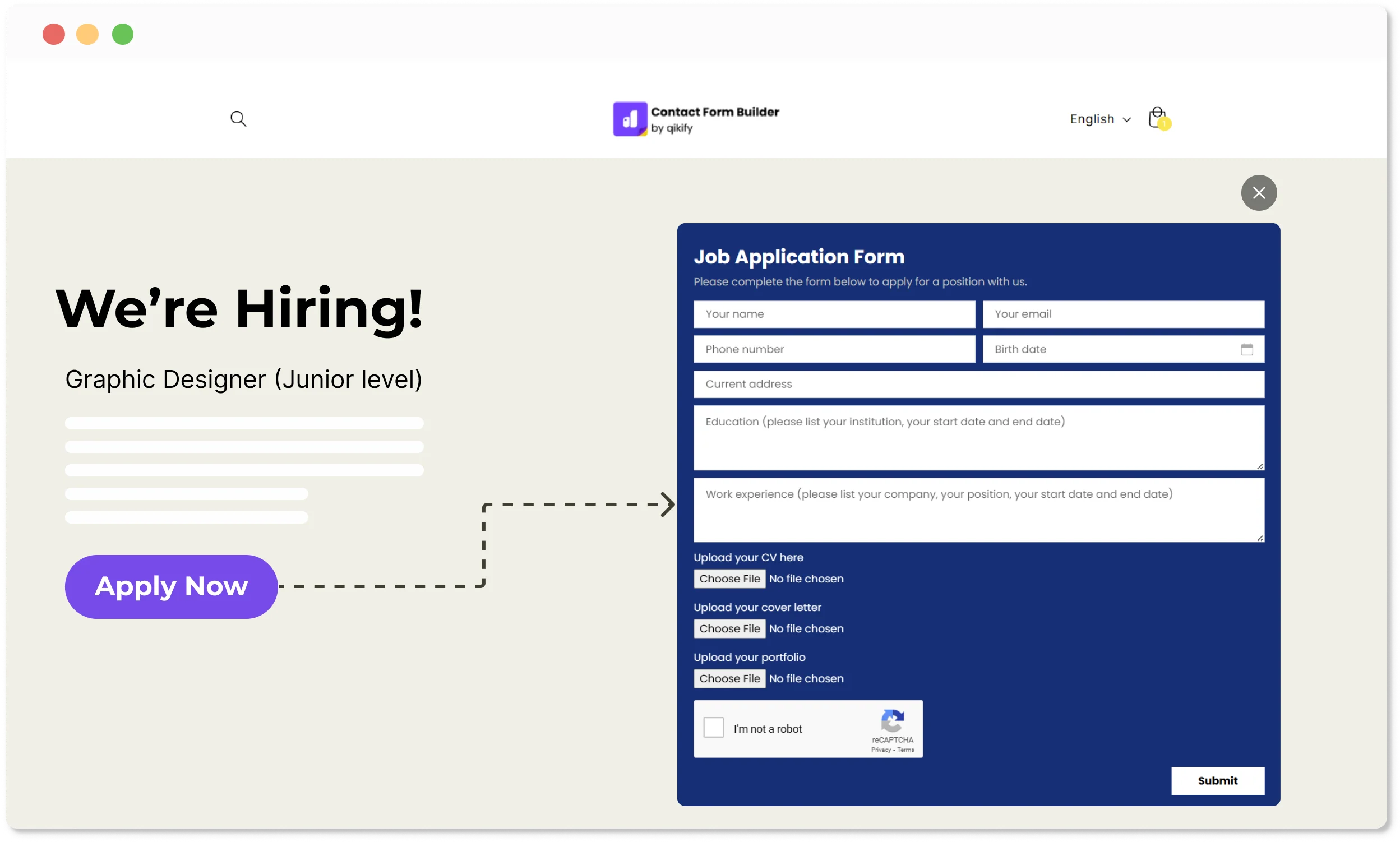
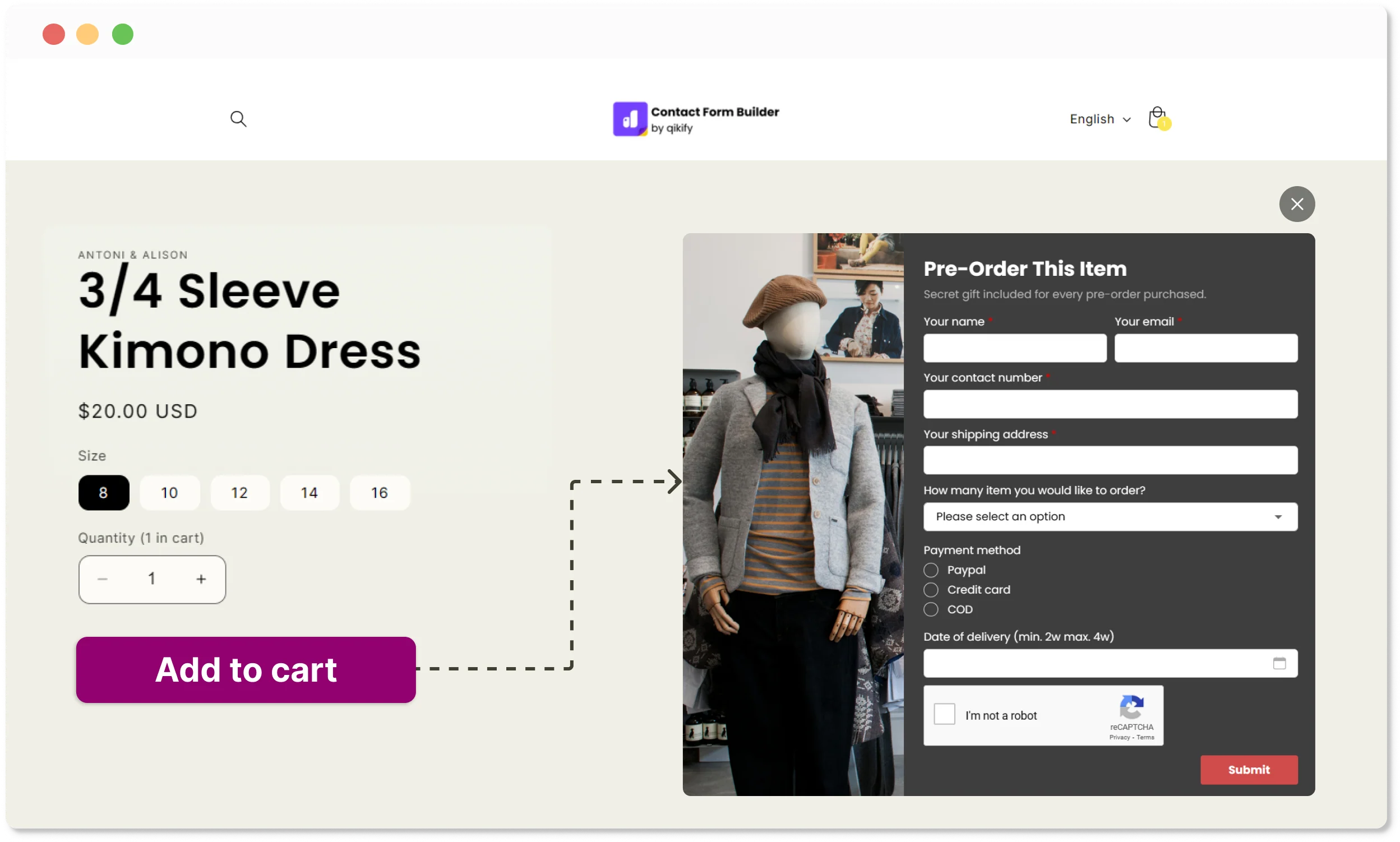
テーマのボタントリガー
- テーマのボタン(例:カートに追加、予約注文ボタンなど)にフォームを紐付けて表示
- テーマのどのボタンにもフォームを紐付け可能
- 売り切れ商品(予約注文フォーム)やB2Bプロモーションに最適
お使いのメールマーケティングツールと連携

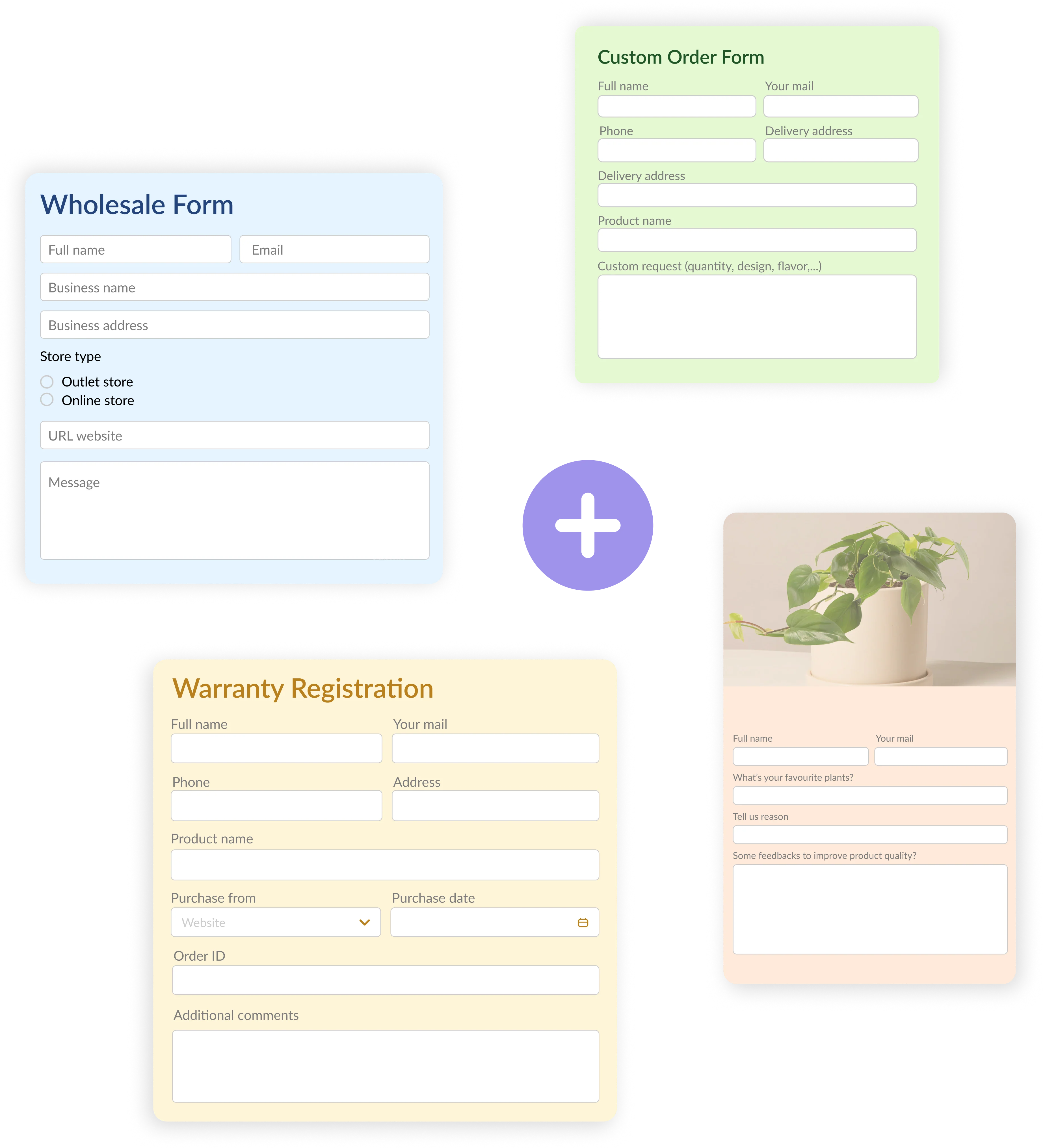
デザイン済みテンプレートで時間を節約

このアプリに大満足です!
「このアプリと、無料プランでこんなに簡単にフォームを作れることに本当に満足しています。私に必要なのはこれだけです。カスタマーサービスも対応が早く、必要なときにしっかり助けてくれます。」

これが一番です。
「これまでに3つほど試しましたが、これが一番簡単で直感的です。誰もサブスクにお金を払いたがらないシンプルなフォームには最適です。」

間違いなく5つ星です。
「ポップアップフォームを探していましたが、少しカスタマイズが必要だと気づきました。他社はあまり助けようとしてくれませんでしたが、こちらのサポートチームはとても親切で柔軟に対応してくれて、驚いたことに、必要なものをそのまま用意してくれました。」

100%おすすめします。
「素晴らしいアプリで、サービスも申し分ありません。サポートチームは対応が早く、問題もすぐに解決してくれます。使い方もとても簡単です。」
よくあるご質問
1. Shopifyには既にお問い合わせフォームがあります。なぜQikify Contact Form Builderが必要なのですか?
Shopifyの標準お問い合わせフォームは、名前、メールアドレス、メッセージしか収集できません。卸売の問い合わせ、カスタム注文の詳細、アンケート回答、ファイルアップロード、予約注文リクエストなどを、条件分岐、スパム対策、メールツールへの自動リード同期とあわせて収集したい場合、標準フォームでは不十分です。このアプリなら、コードに触れることなく、目的ごとに最適なフォームを作成できます。
2. QikifyのフォームはShopifyストアのどこに表示できますか?
どこにでも表示できます。ページに直接フォームを埋め込んだり、時間差でポップアップ表示したり、閲覧中のお客様に追従するフローティングバブルボタンを追加したり、「カートに追加」や「予約注文」などのテーマボタンに紐付けたり、カスタム埋め込みボタンから表示したりできます。5種類のレイアウトオプションで、お客様がいるどんな場所にもフォームが自然になじみます。
3. Qikify Contact Form Builderではどんな種類のフォームを作成できますか?
お問い合わせ・カスタマーサポートフォーム、卸売問い合わせフォーム、カスタム注文フォーム、アンケート、ニュースレター登録、予約注文フォーム、見積もり依頼フォームなど。よくあるシーン向けの既製テンプレートがあるので、毎回ゼロから作る必要はありません。
(B2B登録フォームや申請など、より複雑なご要望については、当社のアプリDuos B2B Self-serviceをご参照ください)
4. Qikifyのフォーム送信内容をメールマーケティングツールに同期できますか?
はい。このアプリはMailchimp、Klaviyo、そしてShopify自身の顧客リストと連携しているため、フォームで集めたリードは手動でのエクスポートなしに、そのままマーケティングワークフローに流れ込みます。
5. Qikify Contact Form Builderでフォームの送信内容をどのように管理・追跡しますか?
すべての送信内容はアプリ内に保存・管理され、確認、絞り込み、エクスポートができます。メール通知を設定すれば、お客様がフォームを送信した瞬間に、その内容が受信トレイに届きます。
6. Qikify Contact Form Builderに無料プランはありますか?
はい、クレジットカードも不要です。無料プランでも、すぐにフォームを作成して送信内容を収集できます。有料プランでは、条件分岐、ファイルアップロード、複数の宛先メール、自動応答、メールマーケティング連携などの高度な機能が解放されます。
7. Qikify Contact Form Builderでは技術サポートを受けられますか?
はい、すべてのプランで受けられます。ライブチャットサポートが利用でき、チームはヘルプ記事を案内するだけでなく、セットアップ、カスタマイズ、連携の問題まで親身に対応することで知られています。
お探しの答えが見つかりませんか?専任のサポートチームが、どんな問題でも喜んでお手伝いします。メール:contact@qikify.com