










シームレスな体験を作り、コンバージョンを高める、一流のアプリ
-

モバイル最適化
レスポンシブなメニューで、顧客体験を高めます。
-
使いやすい
すっきりとした直感的なインターフェース。 セットアップはわずか1分です。
-

ノーコード
一行もコードを書かずに、メニューを楽にデザインできます。
-

無制限のアイテム
無制限のアイテムで、メニューを完全に制御・カスタマイズできます。


1つのアプリで、多階層のメニュータイプ
30以上の組み込みテンプレートで、あなたのビジネスに必要なメニュータイプを作成できます。メガメニュー、タブメニュー、ツリーメニューなど。
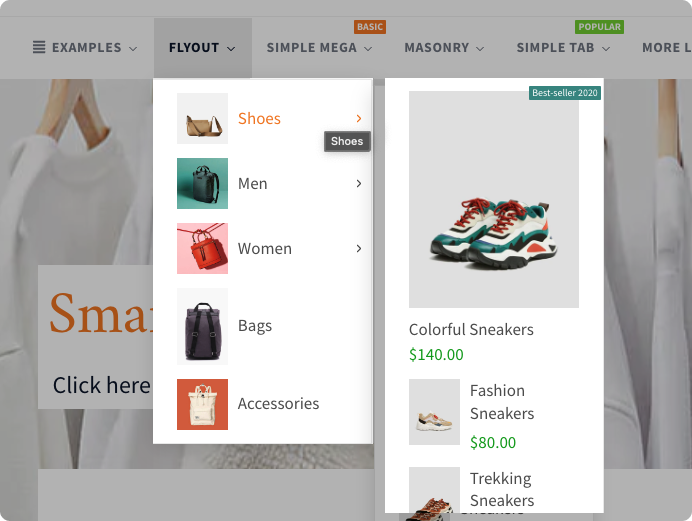
フライアウトメニュー
コンパクトなボタンから展開する洗練されたフライアウトメニューで、オンラインストアのナビゲーションを高めましょう。追加の商品カテゴリー、プロモーション、カスタマーサポートの選択肢に、簡単にアクセスできます。
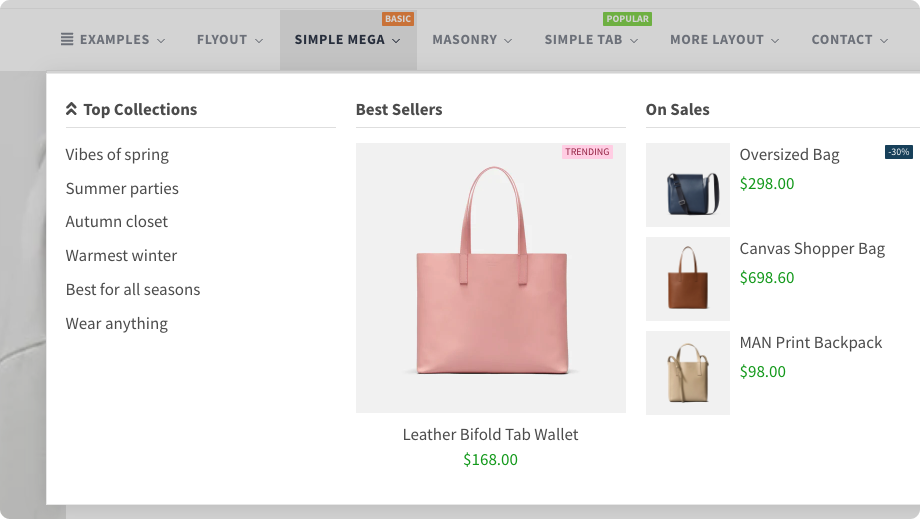
シンプルメガ
シンプルメガメニューは、ホバーすると大きなグリッド状のレイアウトに展開する、ナビゲーションメニューの一種です。これにより、サブカテゴリー、商品、その他のコンテンツを、より網羅的に表示できます。
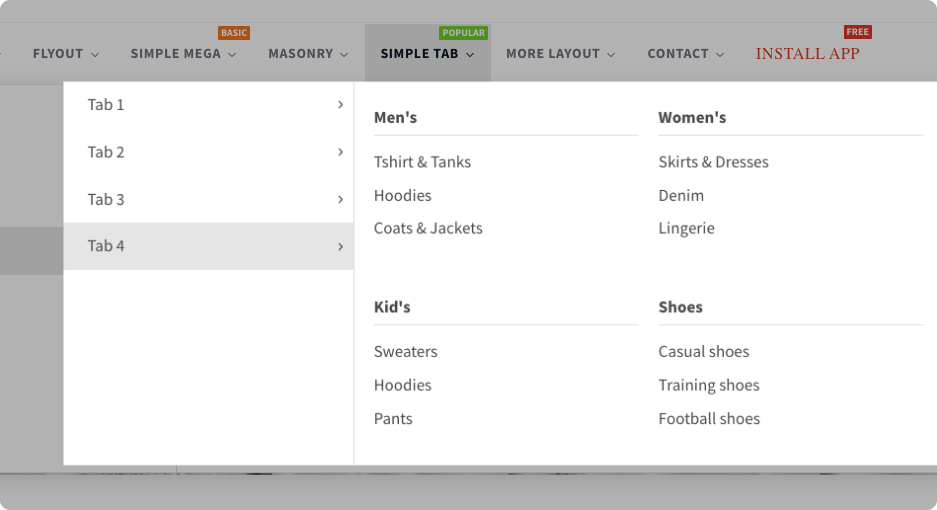
シンプルタブ
シンプルタブメニューで、より視覚的に魅力的で整理されたオンラインストアを作りましょう。異なるコンテンツカテゴリーや商品タイプを、簡単に切り替えられます。
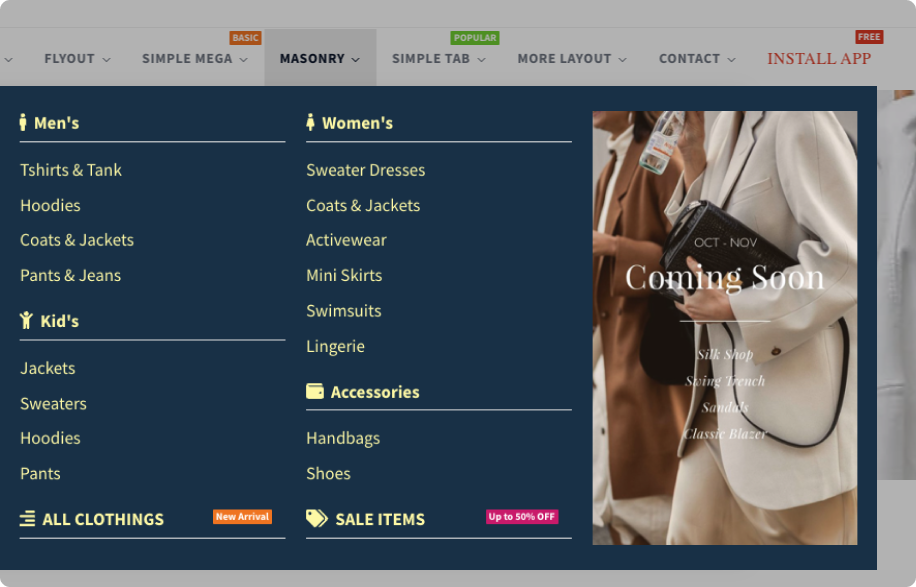
メーソンリー
視覚的に印象的で目を引く見せ方ができるメーソンリーメニューで、商品をより魅力的に見せましょう。
柔軟なレイアウト
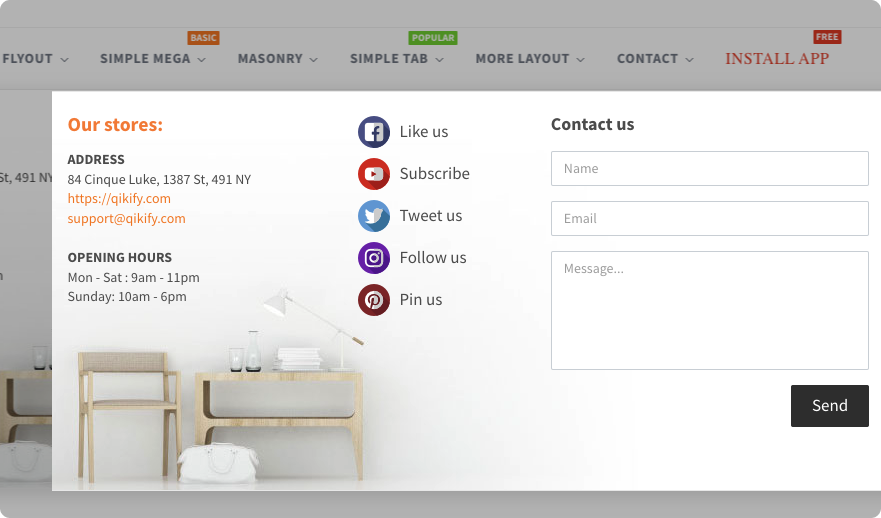
ストア情報、ソーシャルチャネル、お問い合わせフォーム、所在地の案内など、より柔軟で動的なコンテンツをメニューに追加できます。
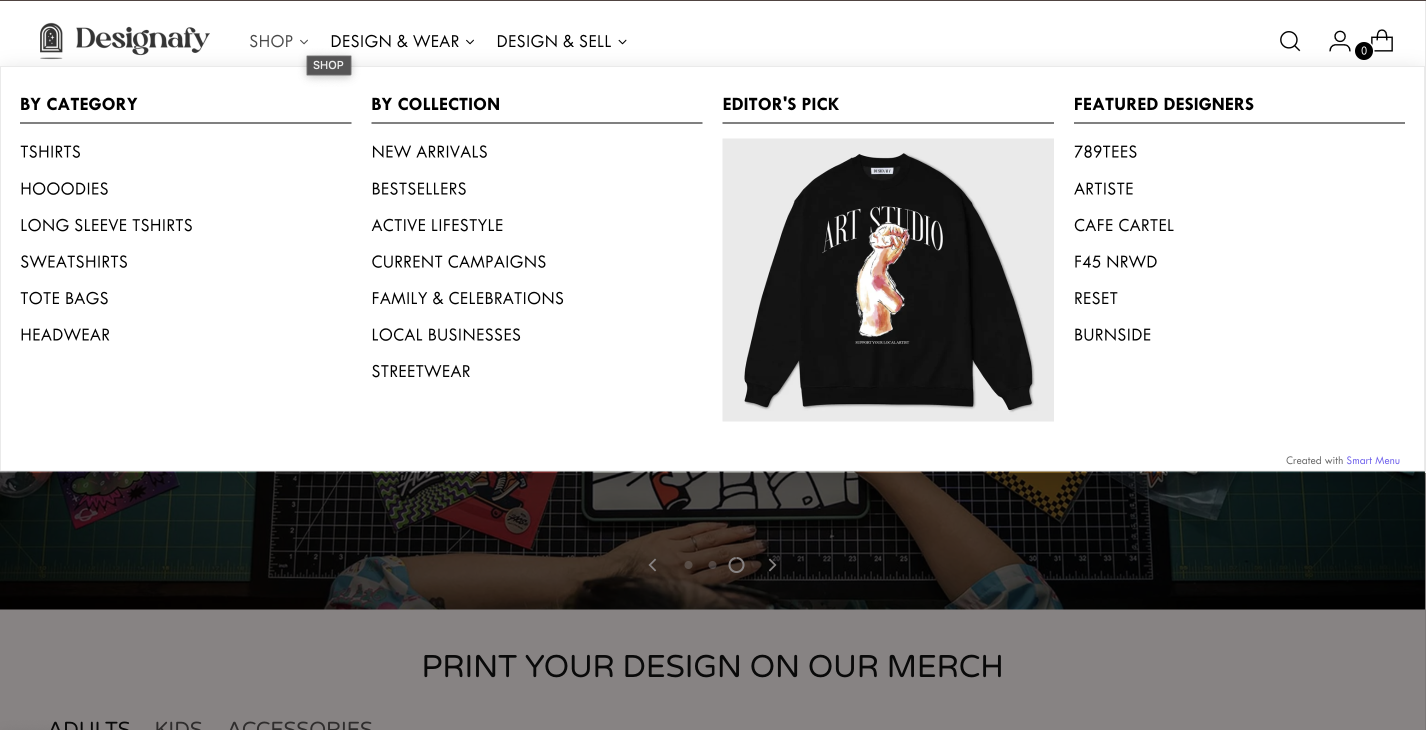

Designafy
「Shopifyで最高のメガメニューアプリです。カスタマーサービスも見事でした。アプリの追加中にいくつか問題がありましたが、丁寧に対応してくれました。このアプリを強くおすすめします。」
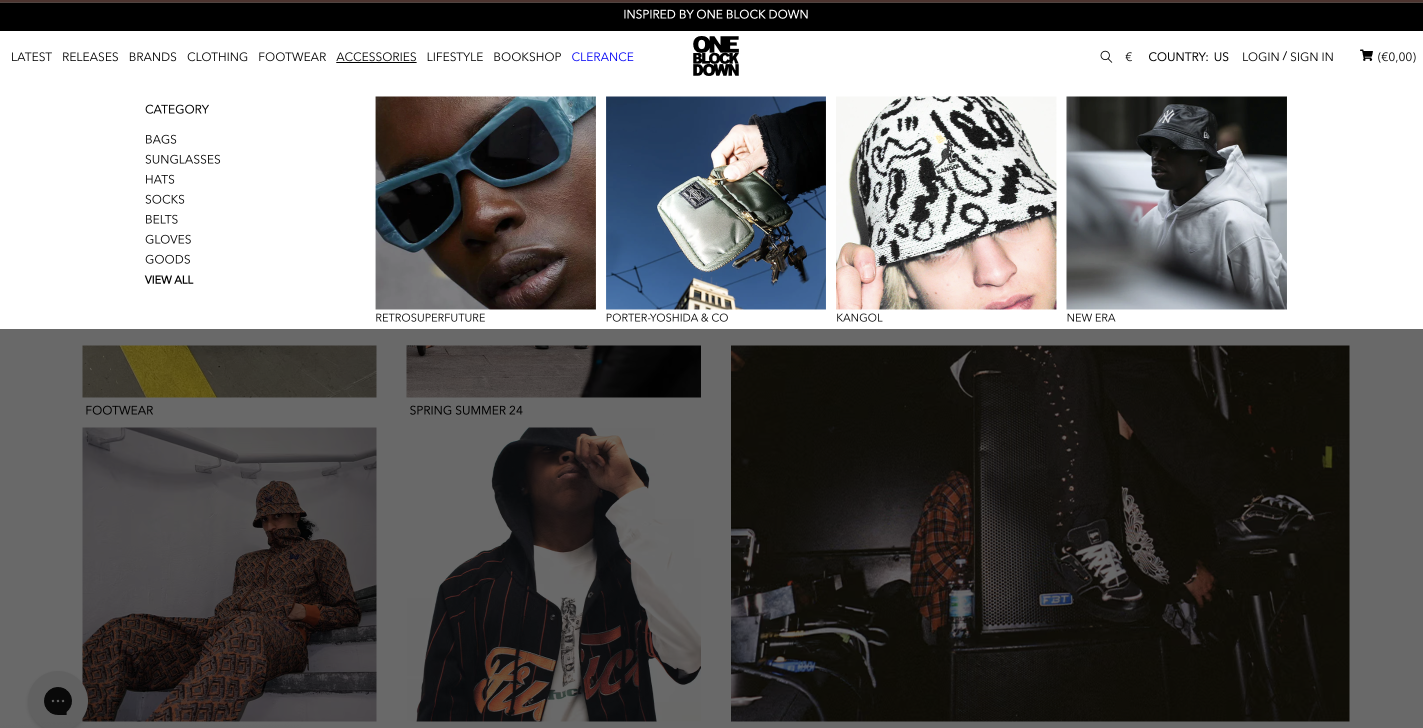

OneBlockDown
「とても使いやすいアプリで、どんな問題にもサポートが素早く効率的に対応してくれます!」
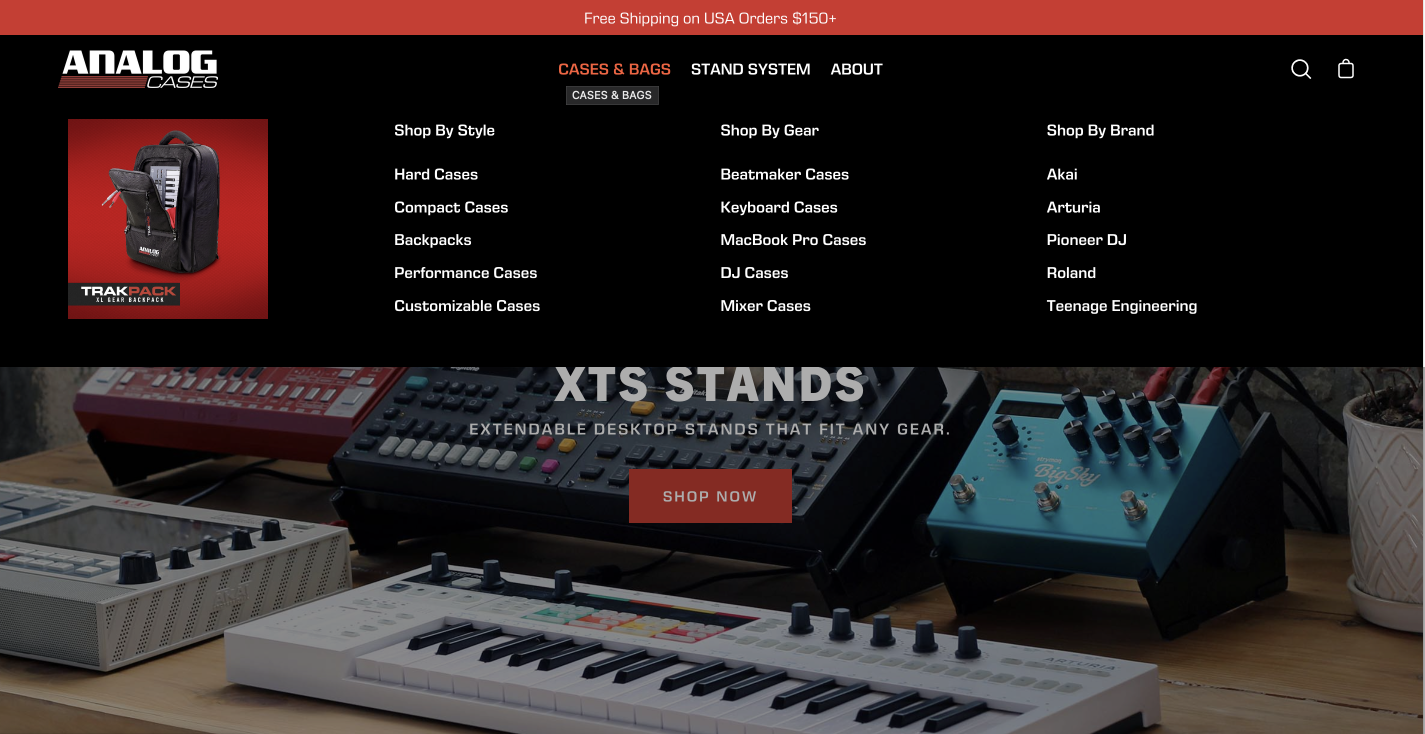

Analogcase
「このアプリは最高です! 月たった$4で、まさに私のやりたいことができるアプリを見つけられて、とてもうれしかったです。インターフェースも直感的で、すぐに使い始められました。何より、サポートチームが非常に素早く反応がよく、私のテーマに合わせて必要な調整をいくつか手伝ってくれました。ありがとう、みんな!」
よくある質問
1. Qikify Mega Menuは、私のShopifyテーマで動作しますか?
Qikify Mega Menuは、ほとんどのShopify 2.0テーマで安定して動作します。Smart Menuが各テーマでどう動くかは、この連携リストを参照してください。何かおかしければ、ライブチャットサポートにご連絡ください。
2. 商品、画像、プロモーションを、メニュー内に直接表示できますか?
はい。Shopifyの標準ヘッダーメニューと違い、Qikifyでは、商品、コレクション、画像、バナーを、ナビゲーション内に直接追加できます。
3. Qikify Mega Menuで、どんな種類のメニューを作成できますか?
Qikifyは、メガメニュー、フライアウトメニュー、タブメニュー、ツリーメニュー、メーソンリーグリッドのレイアウトに対応しています。すべて1つのShopifyメニューアプリで。ほとんどのメニュータイプは無料で、高度なオプションは$9.99/月からです。
4. Qikify Mega Menuは、モバイルでもうまく動作しますか?
はい。作成するすべてのメニューは、デスクトップとモバイルの両方に完全対応しています。ただし、テーマのメニュースタイルによって、モバイルのプレビューは異なって見えることがあります。カスタマイズについては、サポートにご連絡ください。
5. Qikify Mega Menuで、市場やテーマごとに異なるメニューを作成できますか?
はい。複数のメニューを作成し、それぞれを特定のテーマや市場に割り当てられます。複数メニューやその他の高度な機能は、有料プランで利用できます。
6. Qikify Mega Menuでは、どんなサポートが受けられますか?
Qikify Mega Menuにはサポートチームがあり、その質は最も一貫して評価されている点です。チームはライブチャットで対応でき、テーマ固有の設定に対する素早く手厚い助けで知られています。
7. Qikify Mega Menuに無料プランや無料トライアルはありますか?
はい。アプリには、基本的なメニュー項目をカバーする無料プランがあります。複数メニューや、翻訳対応などの高度な機能には有料プランが必要で、7日間の無料トライアルが付いています。詳しくは、スマートメニューの料金をご覧ください。
お探しの答えが見つかりませんか? 専任のサポートチームが、遭遇するあらゆる問題のお手伝いをします。メール:contact@qikify.com